How do you pick the right moment from a long video?
A good Short is not a summary of the long video, it is one complete idea pulled out of it. Look for a stretch that stands on its own: a clear claim, a short story with a beginning and an end, a demonstration, or a genuine reaction. If a clip only makes sense after ten minutes of setup, it will not work out of context, no matter how good the editing is.
Scan your transcript rather than scrubbing the timeline by eye. Reading through the text of a long interview or video is much faster for spotting a self-contained 20 to 60 second moment than watching the whole thing back at normal speed.
How do you reframe to 9:16 without losing the speaker?
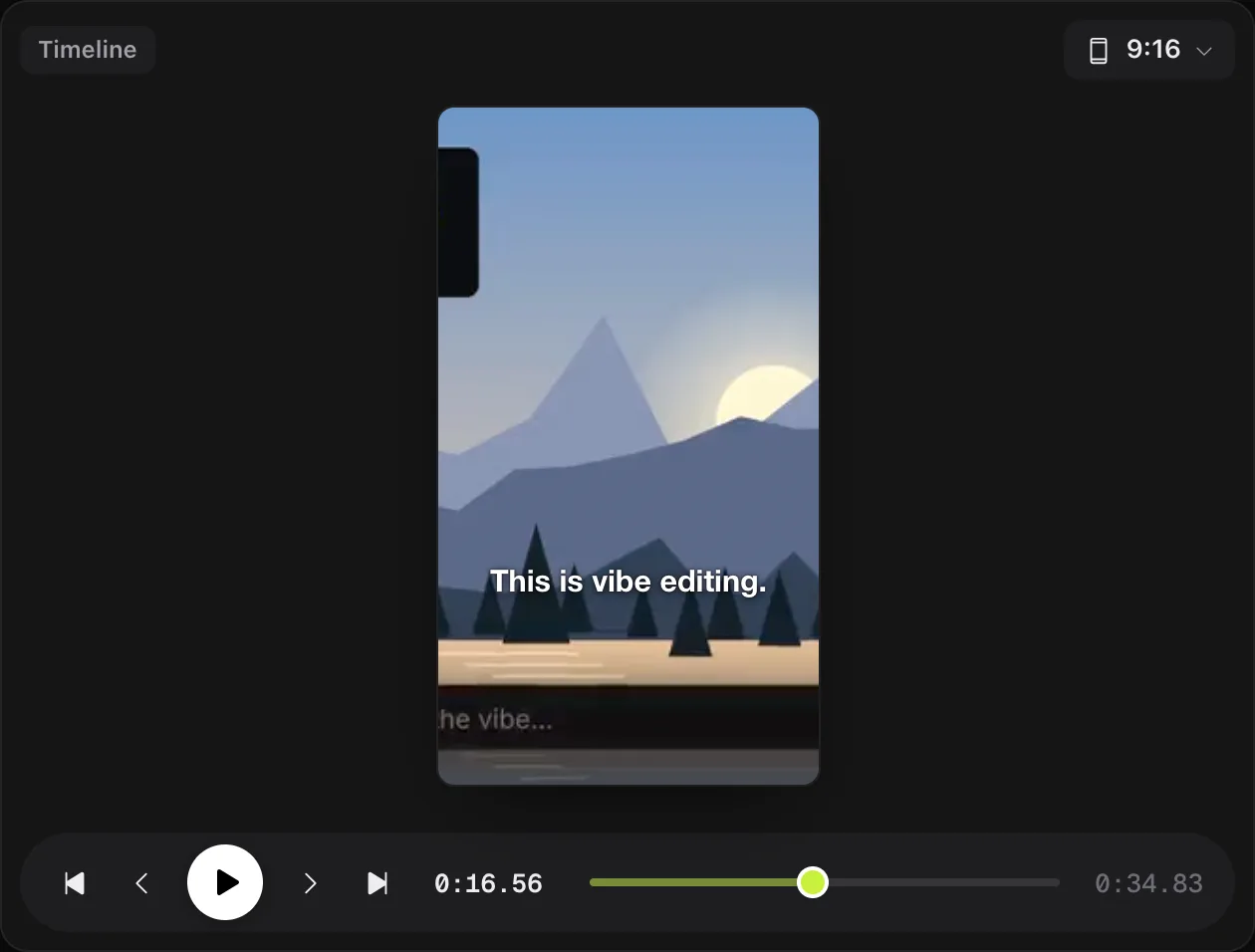
Most long-form footage is shot in widescreen 16:9, and a straight center crop to vertical often cuts a speaker in half if they move around the frame, or leaves them off to one side. A reframe tool solves this by tracking the subject as it crops, keeping faces inside the vertical frame as the shot moves, rather than applying one fixed crop to the whole clip.
In KorvAI, reframing is a crop and transform step built for exactly this: going from a 16:9 source to 9:16, with the AI checking frames as it works so a face does not end up cut off at the edge. You can ask for it directly in chat, "reframe this to 9:16, keep faces in frame," and then nudge the crop by hand on any shot where it guessed wrong.


Captions and hooks: what actually keeps people watching?
Two things decide whether a Short gets watched past the first few seconds: whether it makes sense with the sound off, and whether it opens with something worth stopping for.
- Captions. A large share of short vertical video is watched muted, especially while scrolling. Word-by-word captions in a bold or boxed style keep the clip readable at a glance, and they double as a visual rhythm that helps hold attention even with sound on.
- The hook. The first couple of seconds have to do real work: start mid-action, lead with the most interesting line, or ask the question the rest of the clip answers. Do not open with a slow wind-up; save context for after the hook has earned the watch.
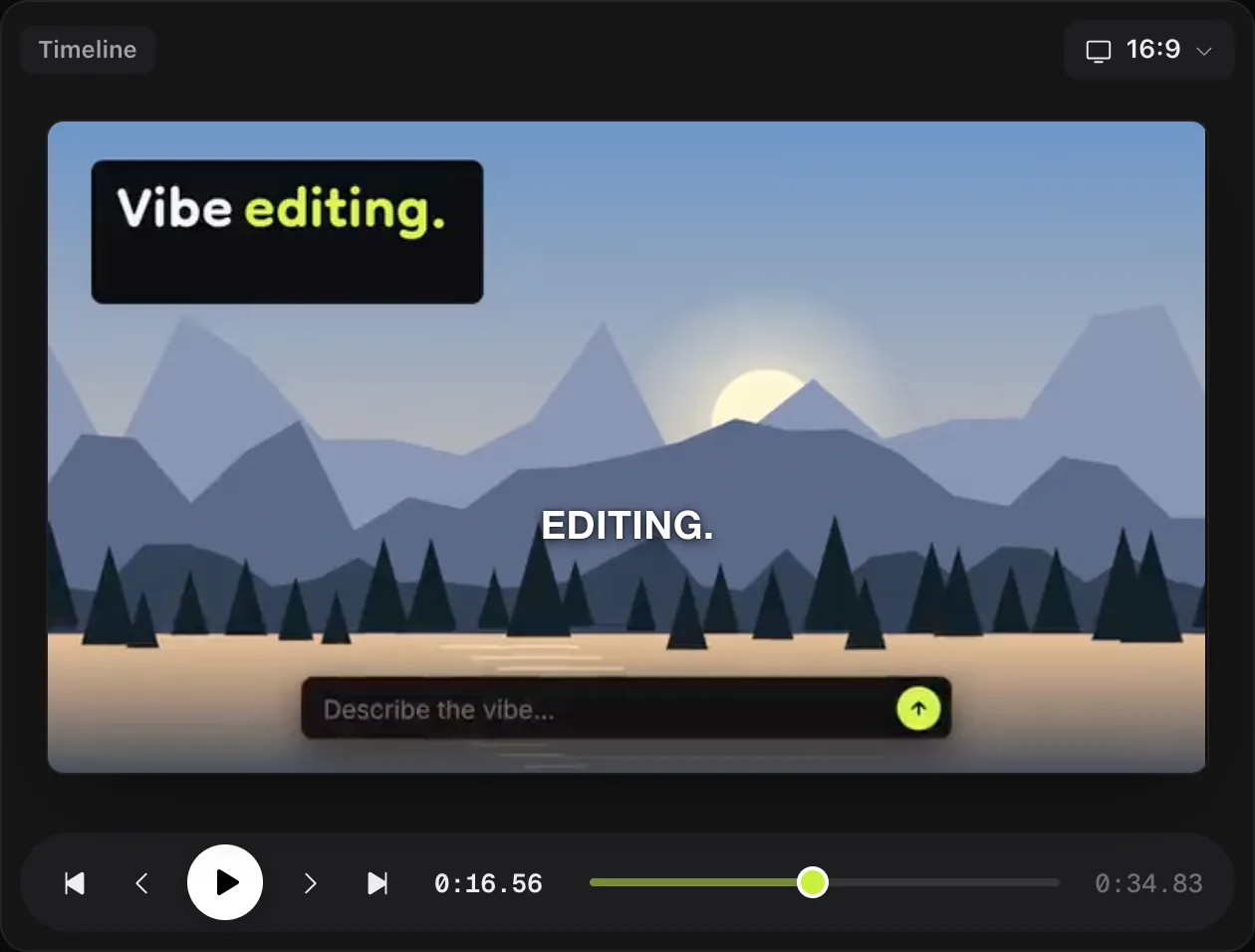
Play back just the opening two seconds on their own, with no context from the rest of the clip. If it does not make you want to see what happens next, trim in further or pick a different opening line.
Vertical video formats at a glance
| Setting | Typical choice for Shorts, Reels, TikToks |
|---|---|
| Aspect ratio | Vertical, 9:16 |
| Resolution | 1080 by 1920 pixels |
| Captions | Word-by-word, bold or boxed style for readability at a glance |
| Audio | Clear and loud enough to follow with sound off, music ducked under speech |
| Opening | Hook in the first couple of seconds, no slow intro |
Exact length limits and feature details vary by platform and change often, so check the platform's own current guidance before you publish rather than relying on a fixed number here. The format basics above (vertical, 9:16, captioned, hook up front) hold steady across Shorts, Reels and TikTok.
How do you turn a long video into a Short in KorvAI, step by step?
-
Pick the moment
Read the transcript and find the strongest 20 to 60 second stretch, a clear point, a story, or a reaction that works without the rest of the video for context.
-
Ask the AI to cut and reframe it
Tell the AI chat to make a vertical cut of that section and reframe it to 9:16. It edits the real timeline and checks frames as it crops so faces stay in view.
-
Add captions
Add word-by-word captions in a bold or boxed style so the clip plays back clearly with the sound off, and double-check they do not cover a face or an important part of the frame.
-
Check the hook
Play the first couple of seconds on their own. If they do not earn the rest of the watch, trim in further or reorder to lead with the strongest line.
-
Export and publish
Export with the Reels, Shorts and Threads preset at 1080 by 1920, or publish straight to YouTube with a title, description and visibility setting from inside the app.
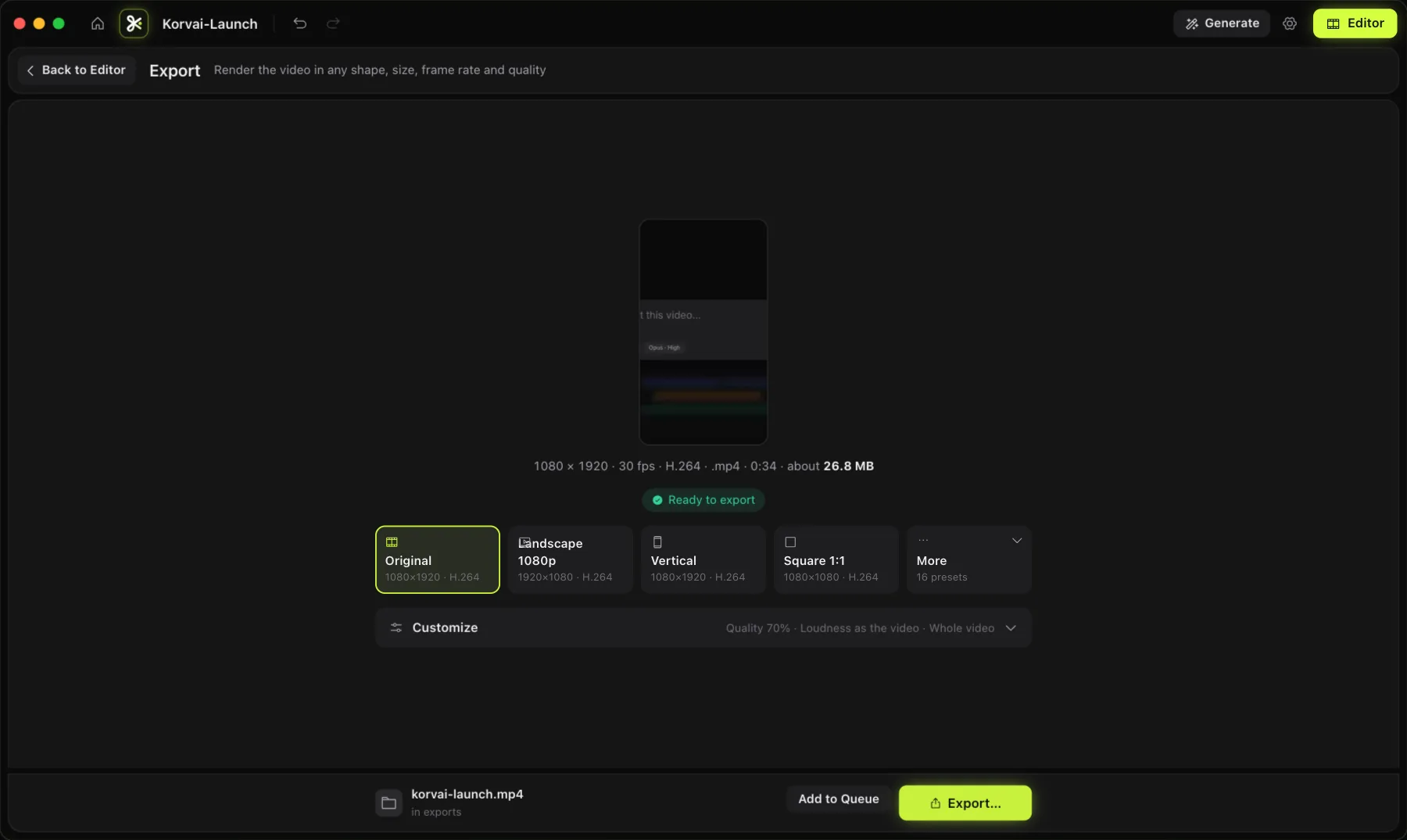
Export with the Reels, Shorts and Threads preset, or publish straight to YouTube from the same screen.
- One idea per clip. Pick a moment that stands on its own, not a summary of the whole video.
- Reframe with tracking, not a fixed crop. A reframe that follows the subject keeps faces in frame as the shot moves.
- Caption for muted viewing. Word-by-word captions carry a clip when the sound is off.
- The first two seconds decide everything. Test the hook on its own before you trust the rest of the cut.
- Publish without leaving the app. Export to the right preset or publish straight to YouTube.
Turn your next long video into a Short
Every feature is in the 7-day free trial, no card needed. Or buy a lifetime license once for $50: no subscription, no hidden costs.
FAQ
What aspect ratio should Shorts, Reels and TikToks be?
Vertical, 9:16. A common export size is 1080 by 1920 pixels. KorvAI includes a Reels, Shorts and Threads export preset at that size.
How do I reframe a 16:9 video to vertical without losing the speaker?
Use a reframe tool that tracks the subject as it crops to 9:16, so a face that moves across a wide shot stays in frame rather than getting cut off at the edge. In KorvAI you can ask the AI chat to reframe to 9:16 and it keeps faces in frame as it crops.
Do Shorts, Reels and TikToks need captions?
Not strictly, but most viewers watch with the sound off at first, so captions make the difference between a scroll-past and a watch. Word-by-word captions in a bold or boxed style are the common choice for short vertical video.
Can I publish a Short directly after editing it?
With KorvAI you can export and publish straight to YouTube from inside the app, with a title, description and visibility picker, instead of exporting a file and uploading it separately.