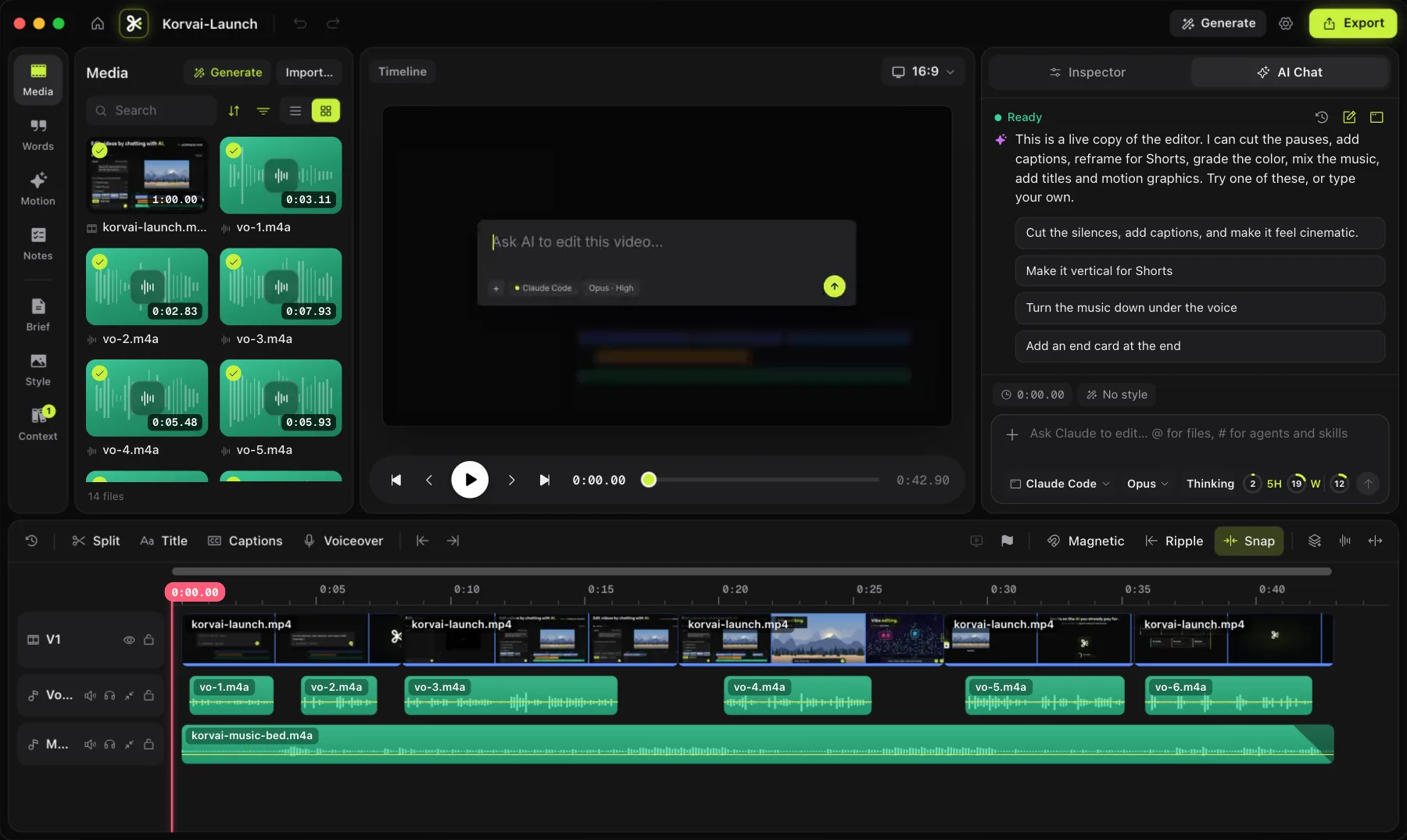
How does vibe editing actually work?
An AI agent reads your transcript, picks a starting look, and edits a real timeline on your behalf, the same timeline you could edit yourself.
The term borrows from "vibe coding," where a developer describes what they want in plain language and an AI agent writes the code. Vibe editing applies the same idea to video: you describe the feel of the cut you want, not the exact sequence of operations, and an AI agent turns that description into a real edit on a real multitrack timeline.
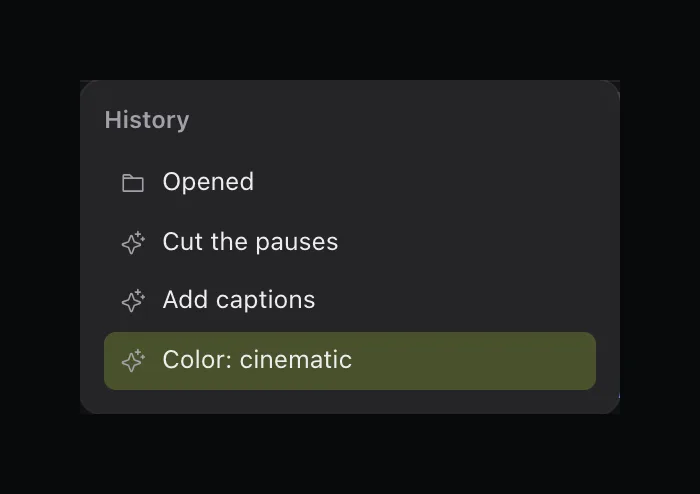
With KorvAI, that agent is the AI coding tool you already use, Claude Code, Codex CLI, Gemini CLI or Qwen Code, pointed at your footage instead of a code repository. It reads your transcript, picks a starting look, and calls editing tools to cut, reframe, grade and caption, the same tools you could reach for yourself. The output is not a rendered preview you accept or reject wholesale; it is ordinary clips and keyframes sitting on the timeline, so you can see exactly what it did and keep going from there.
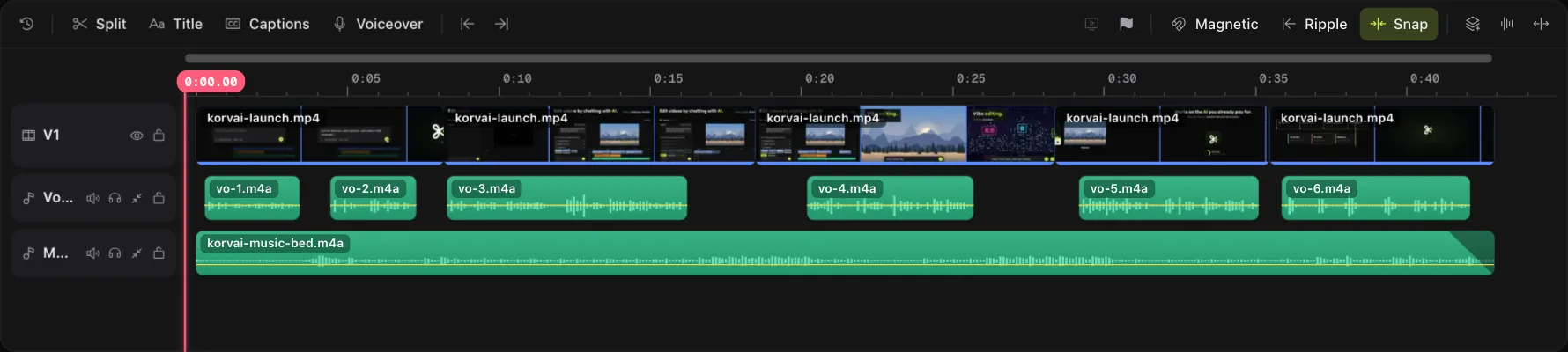
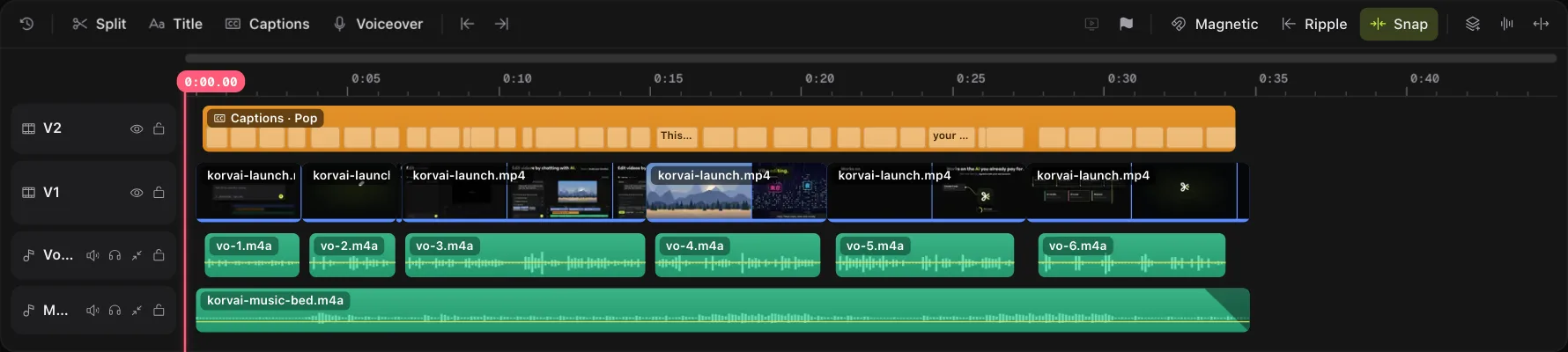
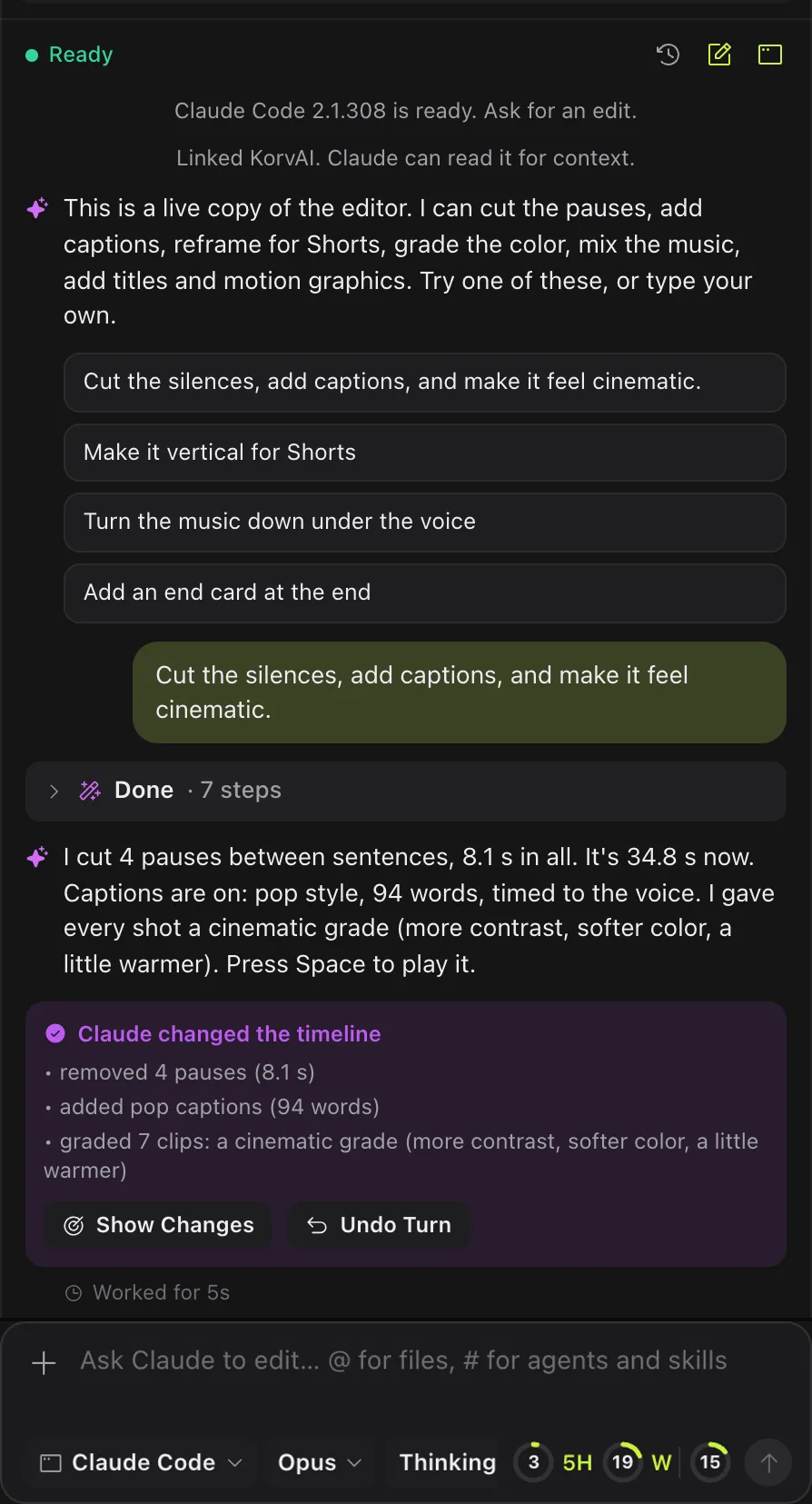
Vibe editing versus templates versus manual editing
A template is fast but ignores your footage; manual editing adapts to your footage but costs time; vibe editing gets both speed and adaptation.
Vibe editing sits between two older ways of working. A template gives you speed but no judgment: it applies the same structure regardless of your footage. Manual editing gives you full control but costs time on every decision, even the obvious ones. Vibe editing trades some of that control for speed, while still making decisions specific to your actual clips.
| Templates | Manual editing | Vibe editing | |
|---|---|---|---|
| Speed to a first cut | Fast | Slow | Fast |
| Reads your actual footage | No | Yes | Yes |
| Adapts to what was said | No | Yes | Yes |
| Fine control over every frame | Low | High | High, after the first pass |
| Needs you to know editing techniques | No | Yes | No |
| Still needs a human review | Yes | N/A | Yes |
In practice, the three are not exclusive. A reasonable workflow starts with a vibe-edited first pass, then finishes with manual polish on the handful of moments that matter most, the same split described in KorvAI's broader guide to editing video with AI.
What looks can you vibe edit toward?
KorvAI ships 14 starting looks you can name directly when you describe the vibe you want, from cinematic to anime.
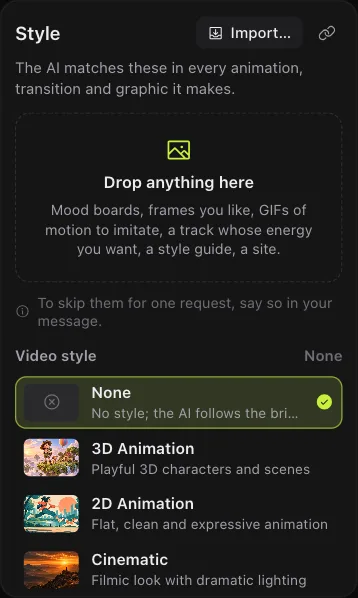




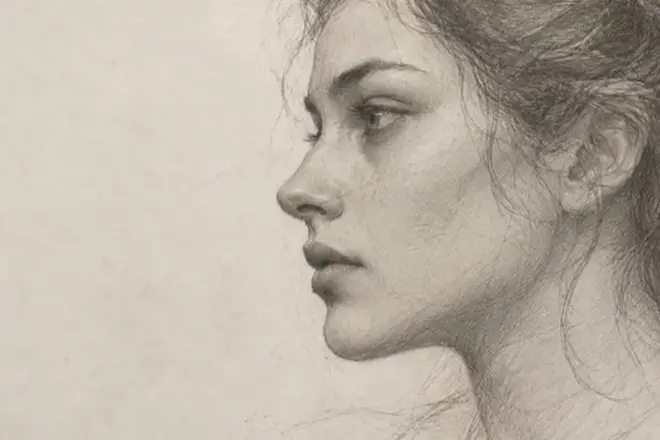
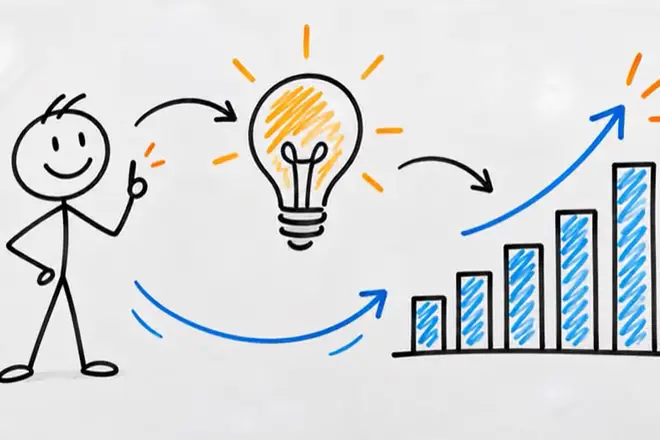



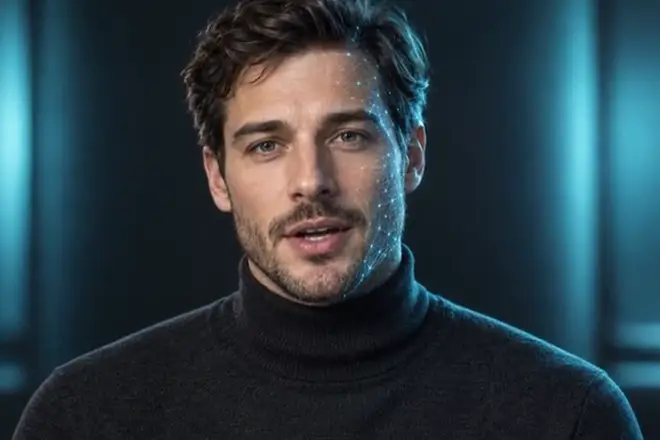




Naming one of these in your prompt gives the agent a concrete target instead of an ambiguous adjective. "Make it cinematic" is a much narrower, more answerable request than "make it better."
Can you show instead of describe?
Yes. A reference image, GIF or link often works better than words for matching a specific color grade or caption style.
Beyond naming a look, you can point the agent at a reference image, a GIF or a link, and ask it to match that style across your footage. This is often faster than finding the right words for a specific color grade, caption animation or pacing, since the agent can inspect the reference's frames directly and aim for something close, the same way it checks its own output with small frame grids as it edits.
References are especially useful for consistency across a longer project: show the agent the first clip you are happy with, and ask it to carry that look through the rest of the timeline rather than restate the description for every new shot.
What are the limits of vibe editing?
Vibe editing is a fast way to get a first cut, not a replacement for your judgment or a finished, unreviewed video.
- You still review the result. The agent's cut is a strong starting point, not a finished, unreviewed video. Play it back, run a pre-export check, and fix anything off before you share it.
- Vague prompts produce vague results. A one-word vibe like "cooler" gives the agent little to work with; naming a specific look or showing a reference gets you closer on the first try.
- It runs on your own AI plan. With KorvAI, vibe editing uses the AI coding tool you already pay for, so there is no separate AI subscription, but it also means the quality and pace of the edit depends on the tool and plan you chose.
- Frame-level polish is still manual. Fine keyframe timing on a single title or nudging one clip's in-point by a few frames is usually faster by hand than by chat.
- Describe the feel, not the steps. Vibe editing works from plain-language intent, not a list of operations.
- Real timeline, not a black box. The agent's work lands as ordinary clips and keyframes you can inspect and change.
- 14 starting looks. From cinematic and realistic to anime and motion graphics, each gives the agent a concrete target.
- Show, don't just tell. A reference image, GIF or link often beats a verbal description for matching a specific style.
- Review is still yours. Treat the first cut as a strong draft, check it, and polish the details by hand.
Try vibe editing on your own footage
Every feature is in the 7-day free trial, no card needed. Or buy a lifetime license once for $50: no subscription, no hidden costs.
FAQ
What is vibe editing in simple terms?
Vibe editing is describing the feel you want for a video in plain language, such as cinematic or clean talking head, and letting an AI agent build a first cut on a real timeline from that description, then refining the result yourself.
How is vibe editing different from using a template?
A template applies one fixed structure to any footage. Vibe editing reads your actual clips and transcript, then makes editing decisions, like which take to use or where to cut, specific to that footage and the look you described.
Does vibe editing use its own AI model?
With KorvAI, no. Vibe editing runs on the AI coding tool you already use, such as Claude Code, Codex CLI, Gemini CLI or Qwen Code, on your own plan. There is no separate AI subscription for the editing itself.
Do I still need to review a vibe-edited video?
Yes. Vibe editing produces a strong starting cut, not a finished, unreviewed video. You should still play it back, run a pre-export check, and fix anything off by hand before sharing or publishing it.
What looks can you ask for when vibe editing?
KorvAI ships 14 starting looks, including cinematic, realistic, 2D animation, 3D animation, pencil sketch, whiteboard, anime, screen recording and motion graphics, which you can name directly or show with a reference image.